
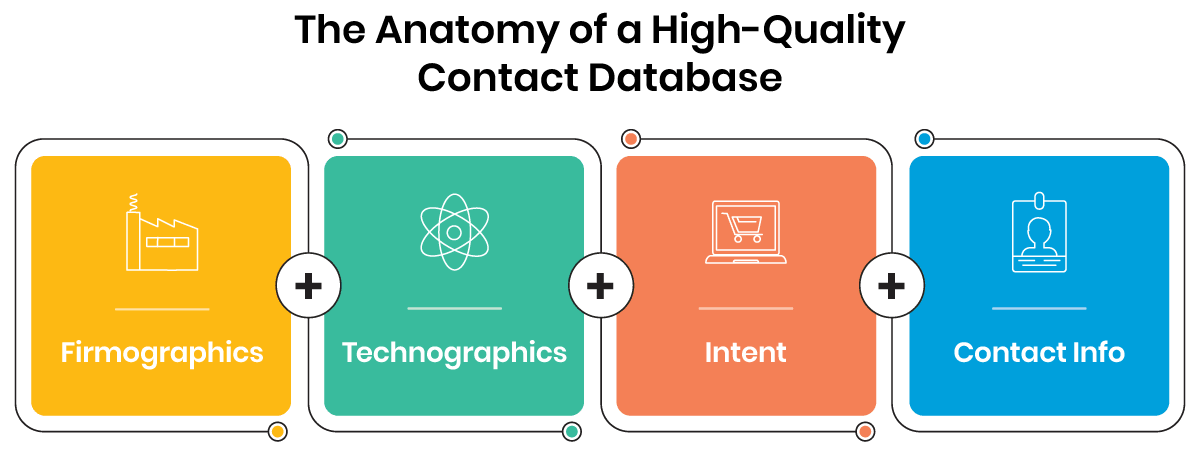
Accurate B2B contact data helps sales teams reach the right prospects faster, with a reliable B2B contact database acting as the backbone of successful prospecting. It gives sales and marketing teams instant access to verified business contacts, complete with company profiles, technographics, intent signals, and up-to-date contact info.
What to Look for in a B2B Contact Database Provider
As you explore your options, you’ll find no shortage of B2B contact database providers. But which one is the best fit for your unique business needs? Start by considering the following factors:
- Data accuracy and verification methods
- Firmographic/technographic/intent data availability
- Compliance (GDPR, CCPA, CAN-SPAM)
- CRM and sales tool integrations
- Real-time enrichment or static lists
- Global vs. regional coverage
- Pricing, subscription model, and scalability
Pro Tip
Save time and resources by utilizing enriched data that database providers can deliver to you.
This guide will walk you through the top 20 B2B database providers of 2026, compare their features, and help you choose a compliant, ROI-driven data source for your needs. Each entry includes an overview, key features, pricing info, user ratings, pros and cons, and what each provider is “best for” to help you find the right fit.
Top Five B2B Contact Database Providers at a Glance
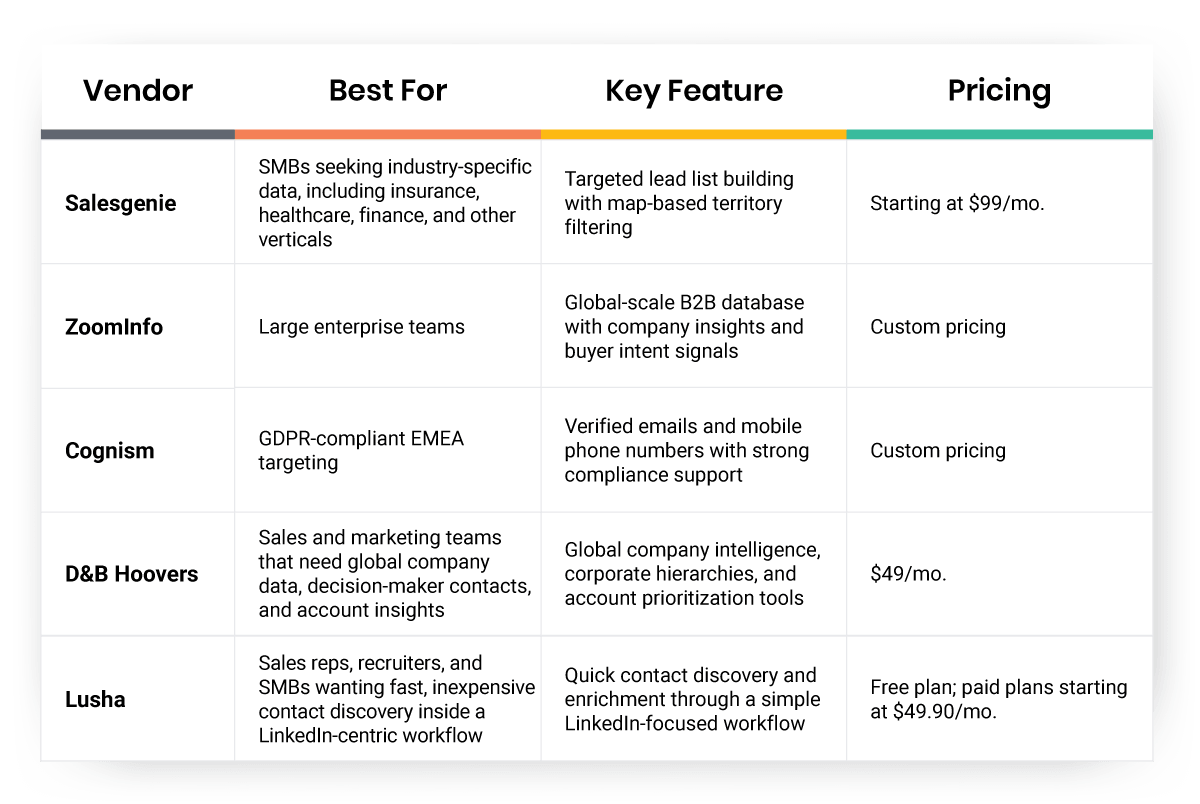
Before diving into the full list, here’s a quick comparison of the top five B2B contact database providers featured in this guide. This snapshot highlights who each vendor is best suited for, one standout feature, and available pricing information to help you quickly narrow your options.
How We Evaluated the Best B2B Contact Database Providers
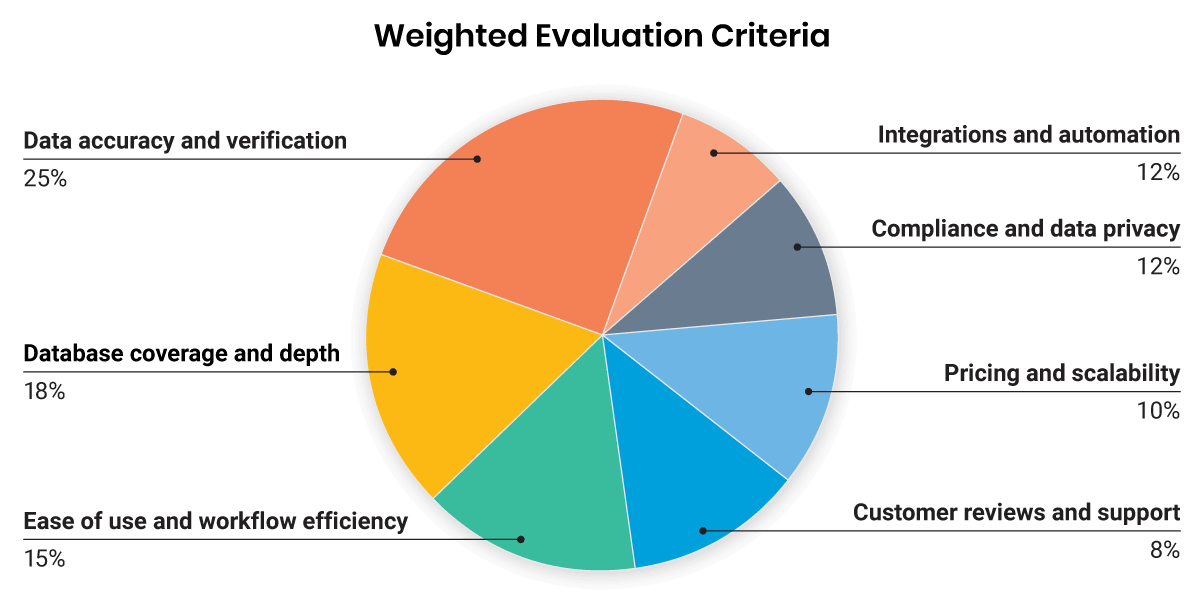
To rank the top B2B contact database providers, we weighed each vendor across a mix of data quality, usability, compliance, scalability, and overall value. The goal was to identify platforms that not only provide access to contacts, but also help sales and marketing teams build reliable pipelines, improve outreach performance, and make smarter prospecting decisions.
Best 20 B2B Contact Database Providers in 2026
1. Salesgenie
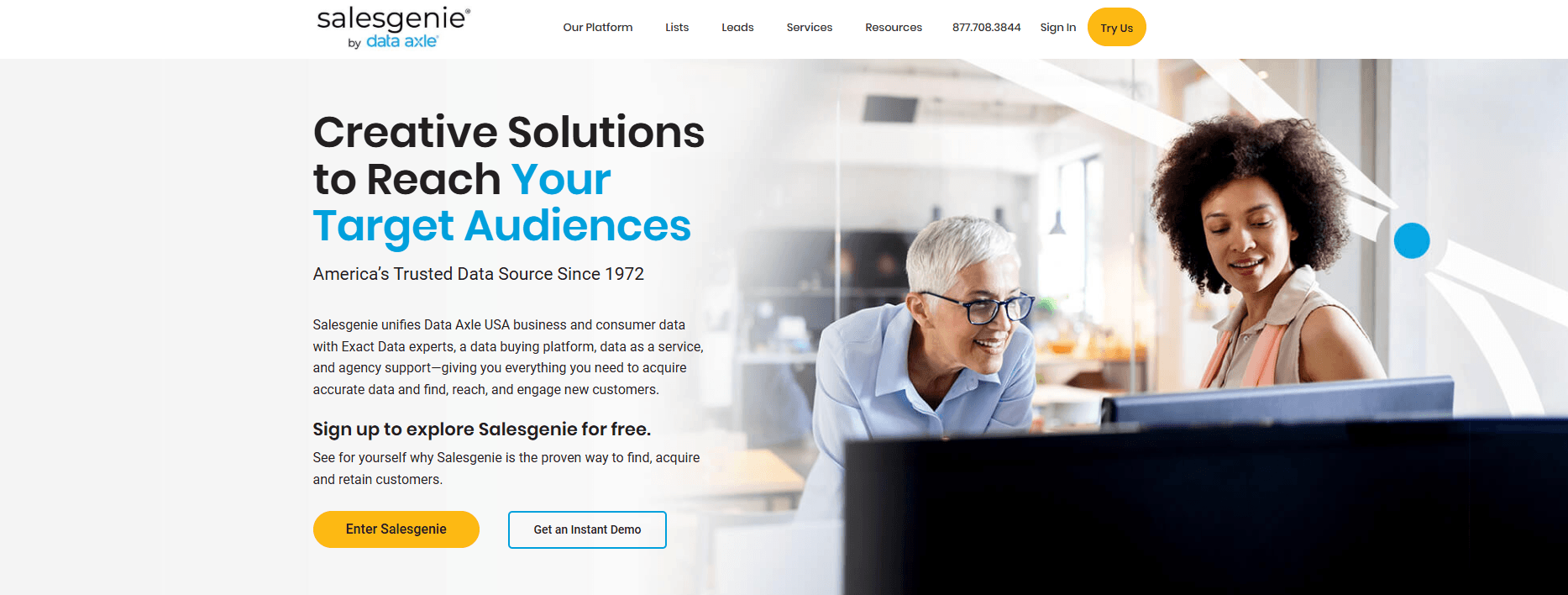
Salesgenie is a lead generation and marketing platform that helps businesses build targeted prospect lists, identify decision-makers, and manage outreach across multiple channels. With access to business and consumer data, search filters, and list-building tools, Salesgenie supports prospecting, customer acquisition, and territory planning for small and medium-sized businesses.
Pricing:
Basic: $99/mo.
Pro: $149/mo.
Team: $299/mo.
Ratings: 4.3/5 on G2, 4/5 on Capterra
Pros: Very easy to use; unlimited searches; map-based territory filtering; combines B2B and B2C data; strong onboarding support
Cons: Smaller database compared to enterprise-level platforms; UI could benefit from modernization; technographic insights and global coverage are somewhat limited
Best For: SMBs seeking industry-specific data, including insurance, healthcare, finance, and other verticals
Explore Salesgenie to build targeted lead lists, identify decision-makers, and connect with the right businesses faster.
2. ZoomInfo
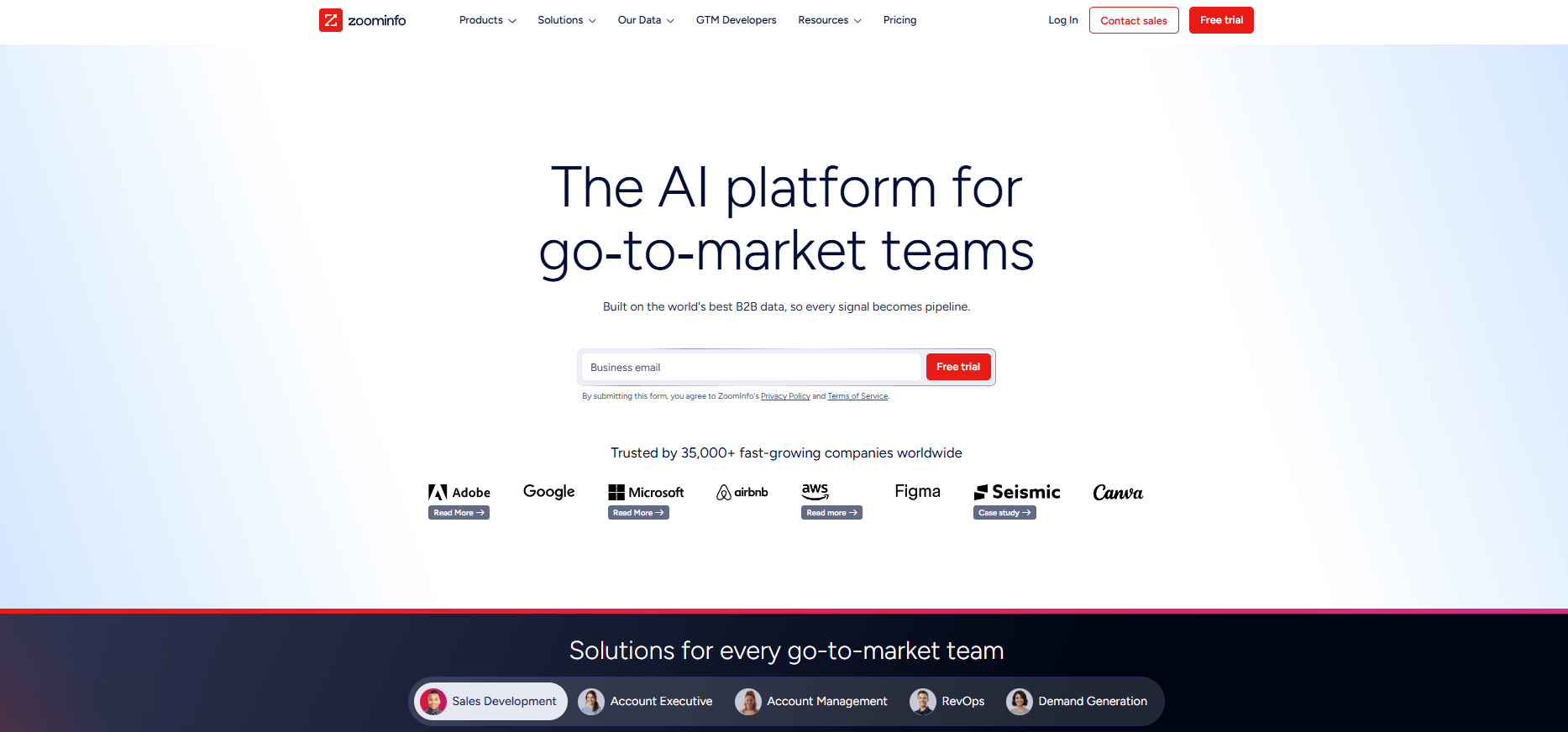
ZoomInfo is a software company that provides access to a B2B contact database, along with tools for sales, marketing, recruiting, and data operations. The platform is subscription-based and is used to identify and connect with business professionals.
Pricing: Custom pricing
Ratings: 4.5/5 on G2, 4.1/5 on Capterra
Pros: Unmatched global scale; rich company and buyer-intent signals; best-in-class integrations; strong data-hygiene investments
Cons: Highest price tier in the market; steep learning curve; occasional data gaps; auto-renew contracts require early cancellation notice
Best For: Large enterprise teams
3. Cognism
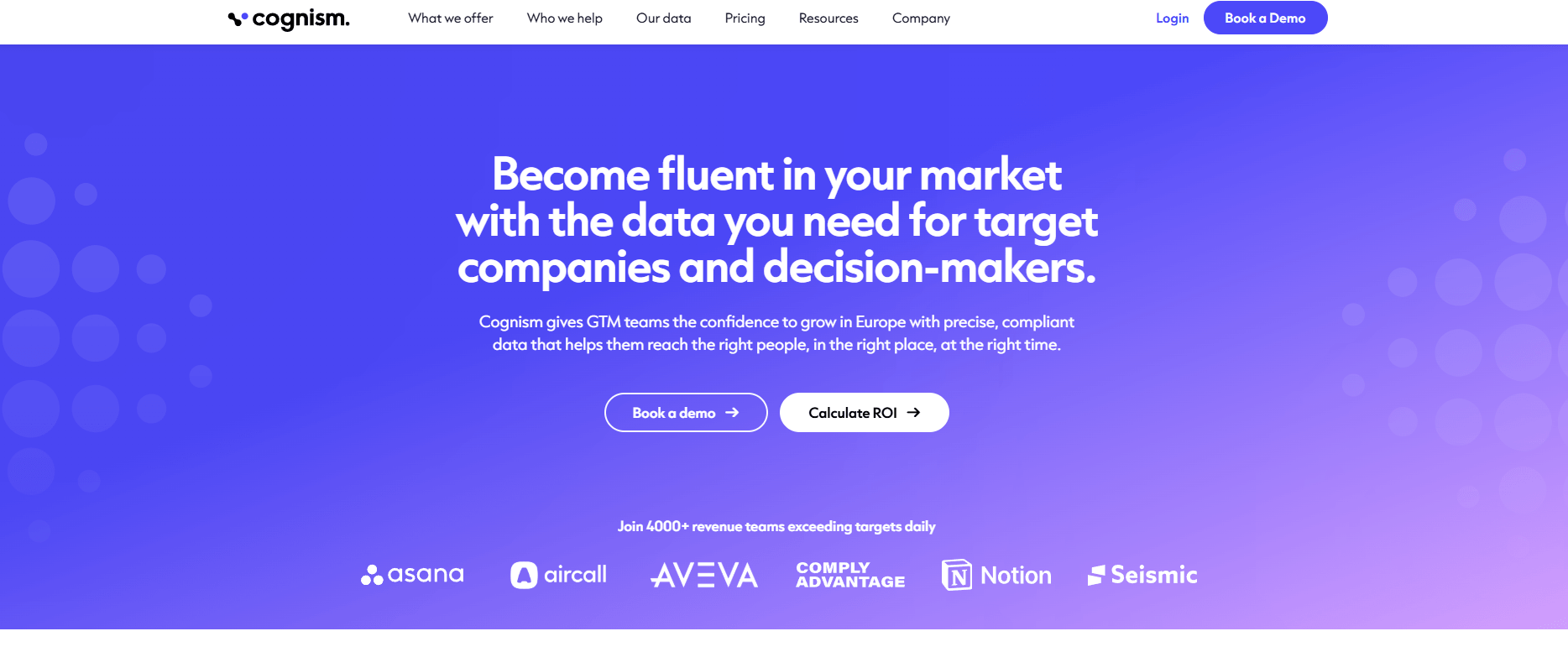
Cognism is a B2B sales intelligence platform that provides contact and company data to support sales, marketing, and revenue operations teams. Its datasets include both emails and mobile phone numbers, with verification processes in place.
Pricing: Custom pricing
Ratings: 4.5/5 on G2, 4.7/5 on Capterra
Pros: Fully GDPR- and CCPA-compliant, best-in-class mobile accuracy, unlimited data, solid EU/APAC reach, responsive support.
Cons: Smaller U.S. depth than ZoomInfo, fewer native integrations, occasional email bounces.
Best For: GDPR-compliant EMEA targeting
4. D&B Hoovers
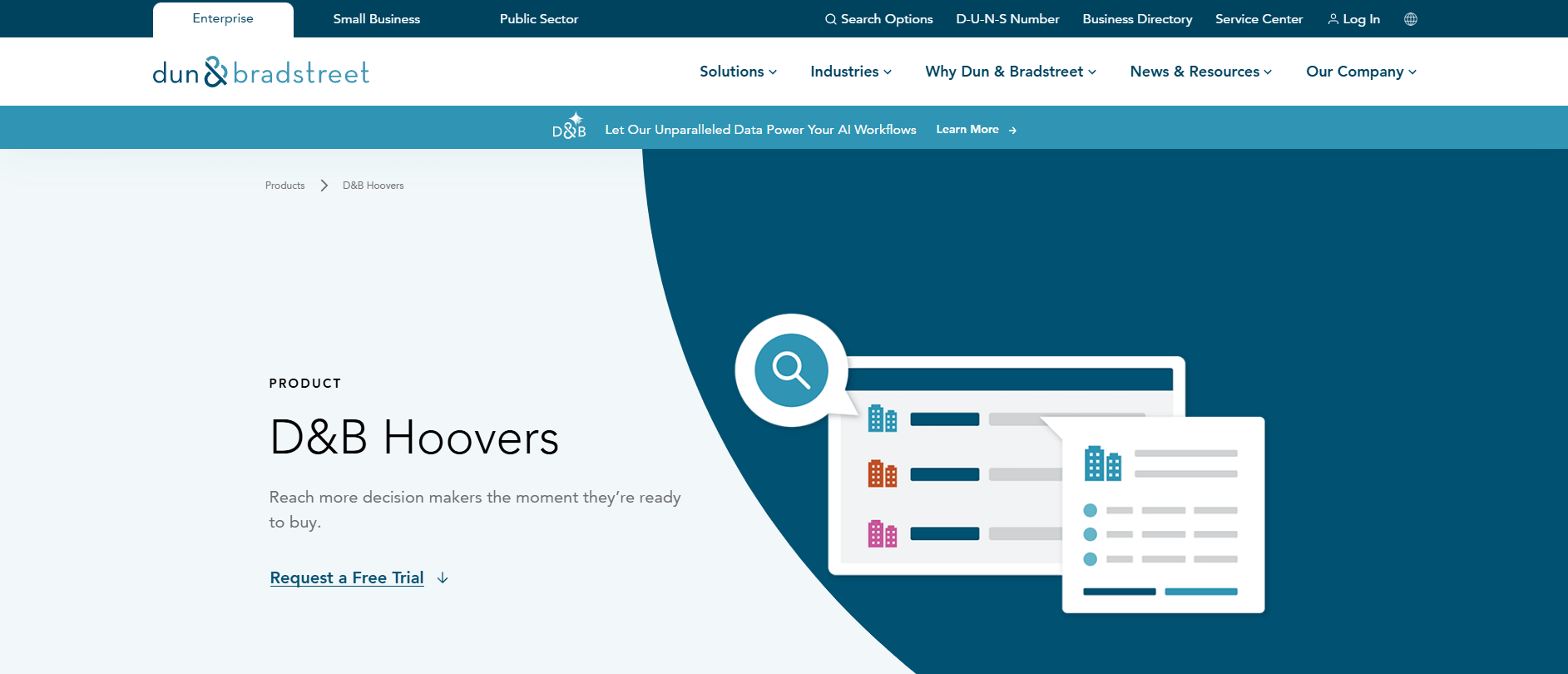
D&B Hoovers is a B2B sales intelligence and prospecting platform that provides access to business data, contact details, and company insights to support lead generation and account research.
Pricing: $49/mo.
Ratings: 4.1/5 on G2, 4.4/5 on Capterra
Pros: Industry-leading company intelligence and global coverage; reliable corporate hierarchies and credit data; smart lists and news alerts; strong Salesforce enrichment
Cons: Contact emails/phones can lag, UI feels dated, pricey if you only need basic contacts, additional D&B add-ons may raise total cost.
Best For: Sales and marketing teams that need global company data, decision-maker contacts, and account insights for prospecting and account prioritization
5. Lusha
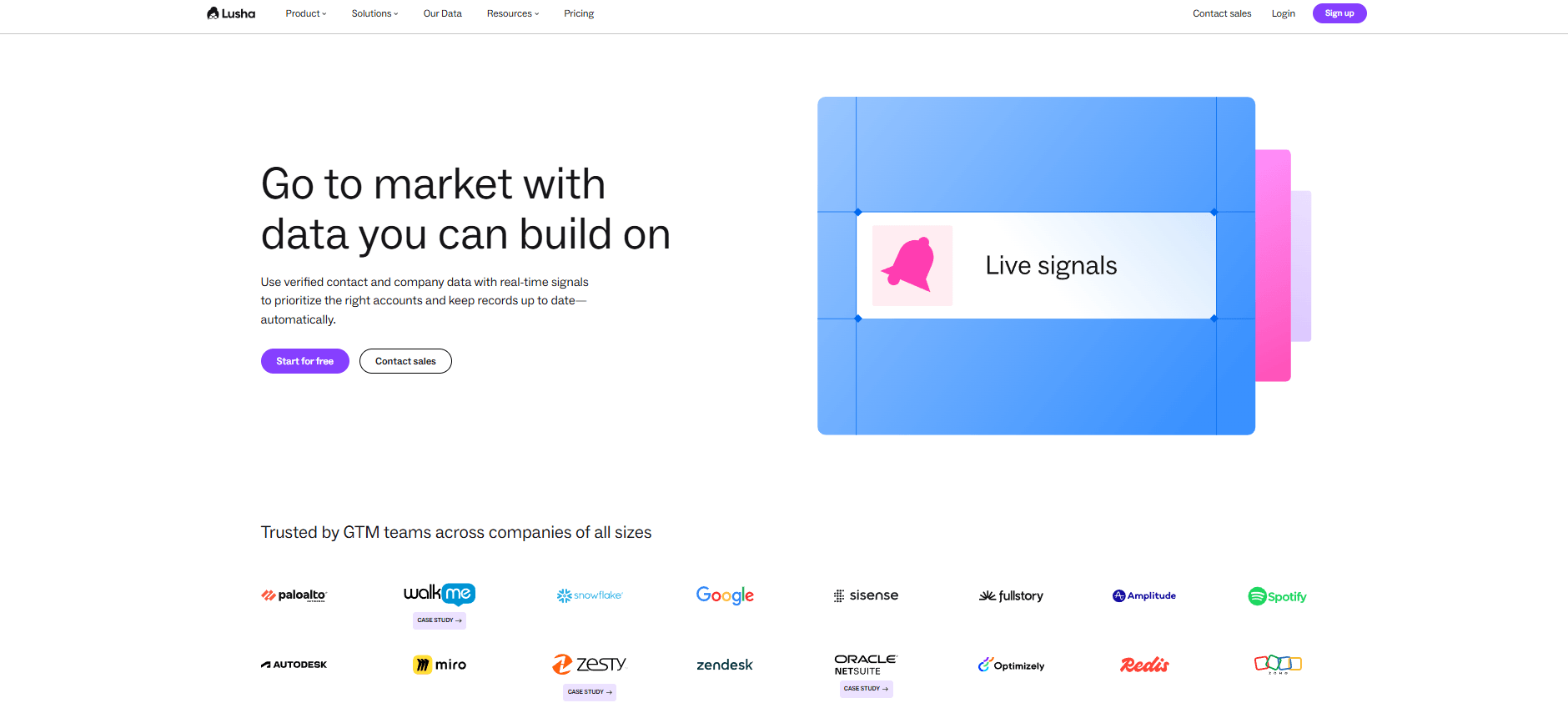
Lusha Sales is a B2B contact and company data platform designed to support sales, marketing, and recruiting teams with lead generation and data enrichment.
Pricing:
- Free plan
- Starter: $49.90/mo.
- Pro: $69.90/mo.
- Premium: $399.90/mo.
- Scale: Custom pricing
Ratings: 4.3/5 on G2, 4/5 on Capterra
Pros: Install-and-go ease, good direct dials, budget-friendly, GDPR-aligned EU dataset, ideal for enriching LinkedIn leads or quick recruiter look-ups
Cons: Smaller database than enterprise tools, limited firmographic depth, credit caps for heavy users, basic admin controls
Best For: Sales reps, recruiters, and SMBs wanting fast, inexpensive contact grabs inside a LinkedIn-centric workflow
6. Apollo.io
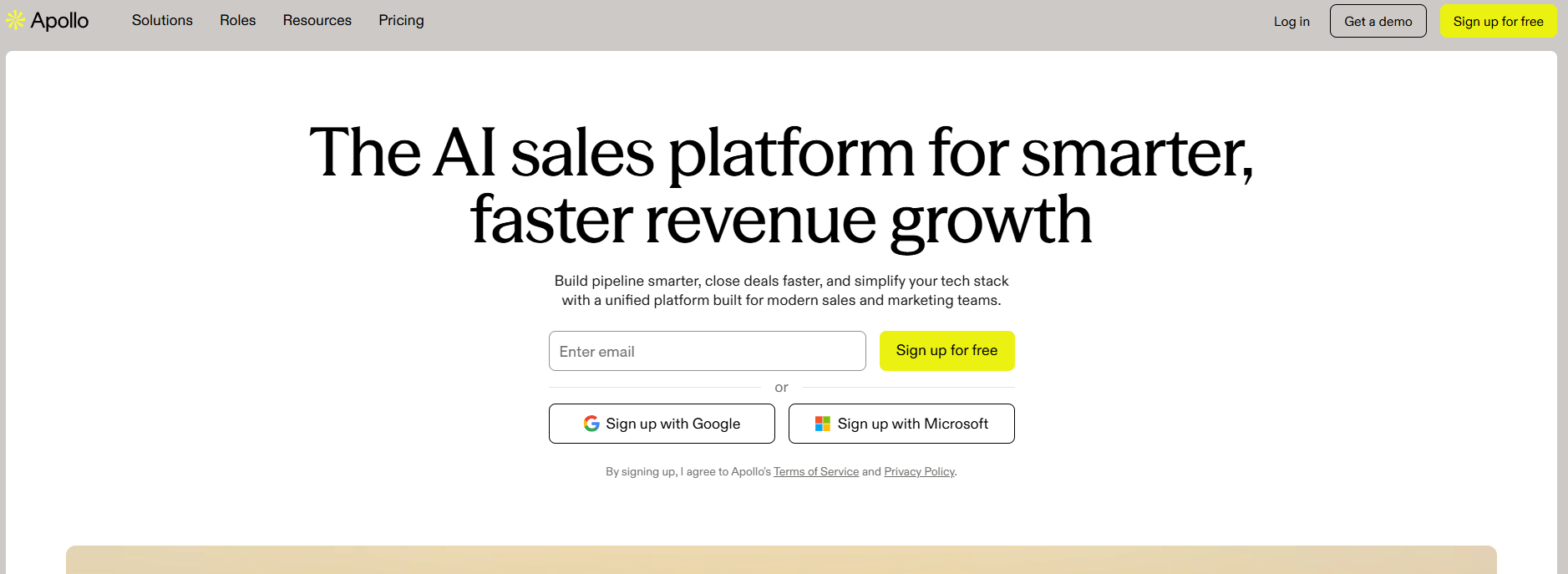
Apollo.io is a B2B data and sales engagement platform that combines contact and company data with tools to support prospecting, outreach, and CRM enrichment.
Pricing:
- Free plan
- Basic: $59/mo.
- Professional: $99/mo.
- Organization: $149/mo.
Ratings: 4.7/5 on G2, 5/5 on Capterra
Pros: All-in-one data and sequencing, generous free tier, rapid feature releases, modern UX, lower cost than legacy vendors
Cons: Niche segments may be missing; intent data basic; very large orgs might outgrow outreach features; some compliance worries at huge scale
Best For: Outbound sales automation
7. Kaspr
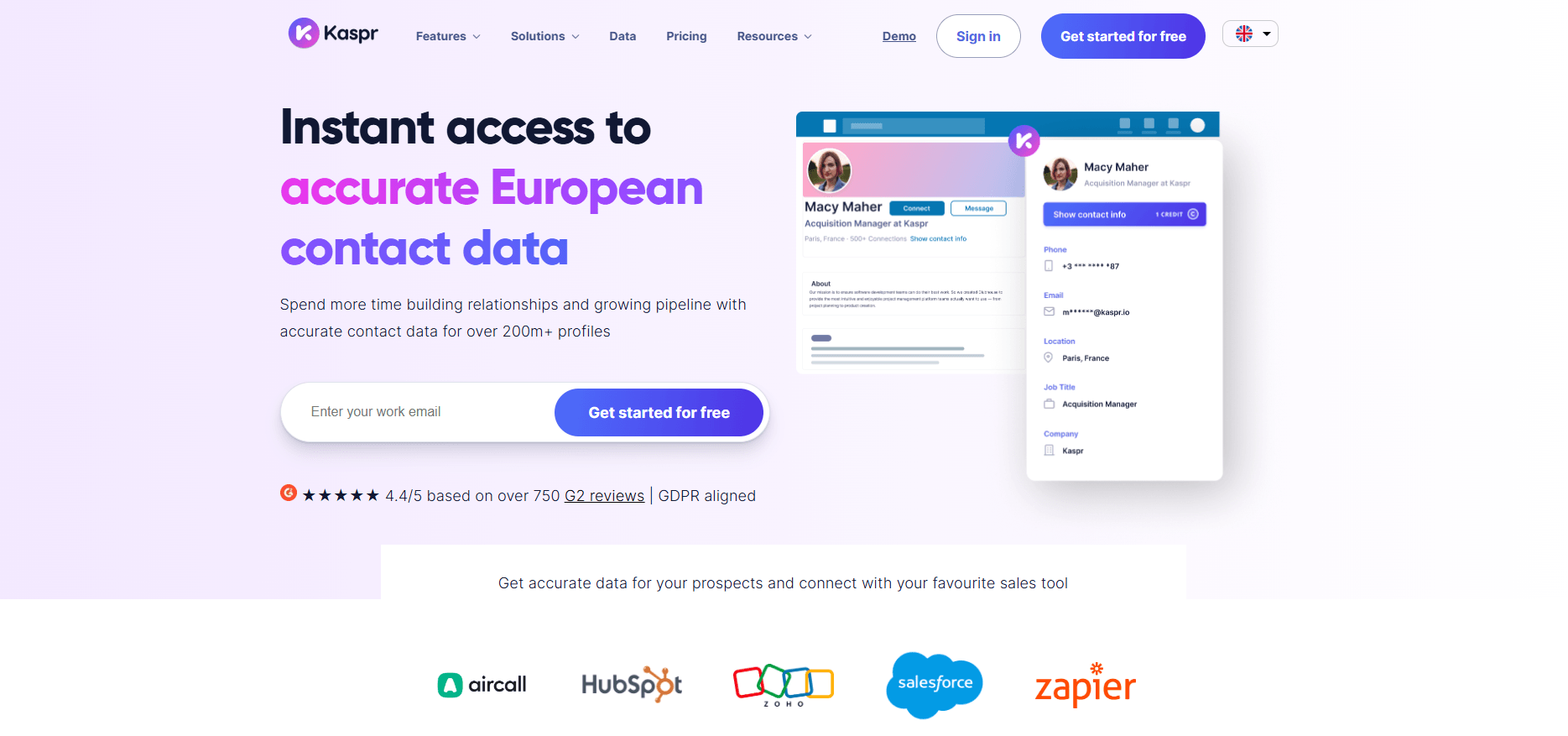
Kaspr is a B2B prospecting platform that provides verified contact data through a Chrome extension and a web app, particularly optimized for LinkedIn workflows.
Pricing:
- Free plan
- Starter: $49/mo.
- Business: $79/mo.
- Enterprise: Custom pricing
Ratings: 4.5/5 on G2, 3.3/5 on Capterra
Pros: Instant contact reveal on LinkedIn; strong European cell-phone coverage; self-serve signup; flexible low-cost plans
Cons: Limited company/intent insights; best inside LinkedIn, lighter for bulk database searches; basic admin/analytics; APAC coverage thinner
Best For: Small teams and recruiters who live in LinkedIn and need fast, GDPR-compliant phone/email data
8. UpLead
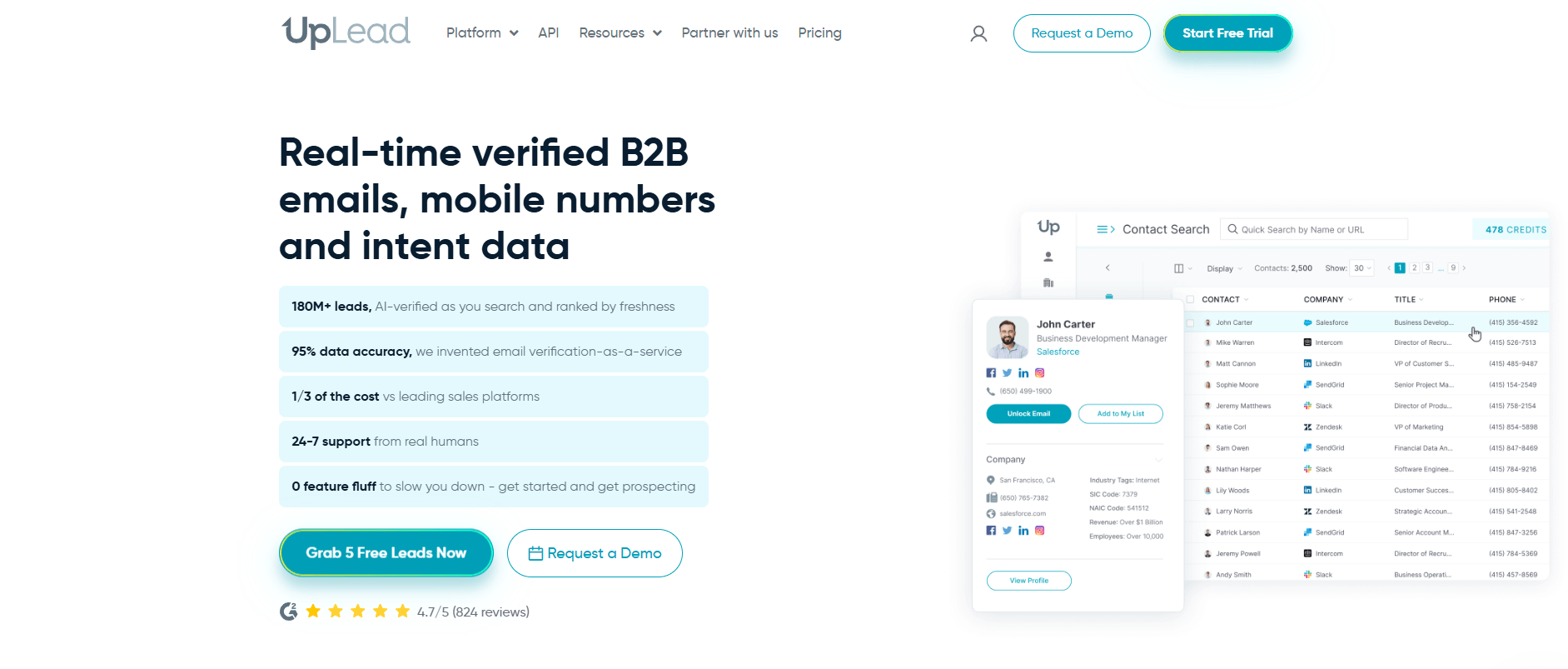
UpLead is a B2B contact database and sales intelligence platform combining verified data and prospecting tools to support sales, marketing, and data enrichment needs.
Pricing:
- Free trial
- Essentials: $99/mo.
- Plus: $199/mo.
- Professional: Custom pricing
Ratings: 4.7/5 on G2, 4.6/5 on Capterra
Pros: High email deliverability guarantee, easy list-building, technographic filtering, quick CSV/CRM export, responsive support
Cons: Smaller database than giants like ZoomInfo; credit caps can limit high-volume users; minimal built-in outreach or deep intent tools
Best For: SMBs
9. Lead411
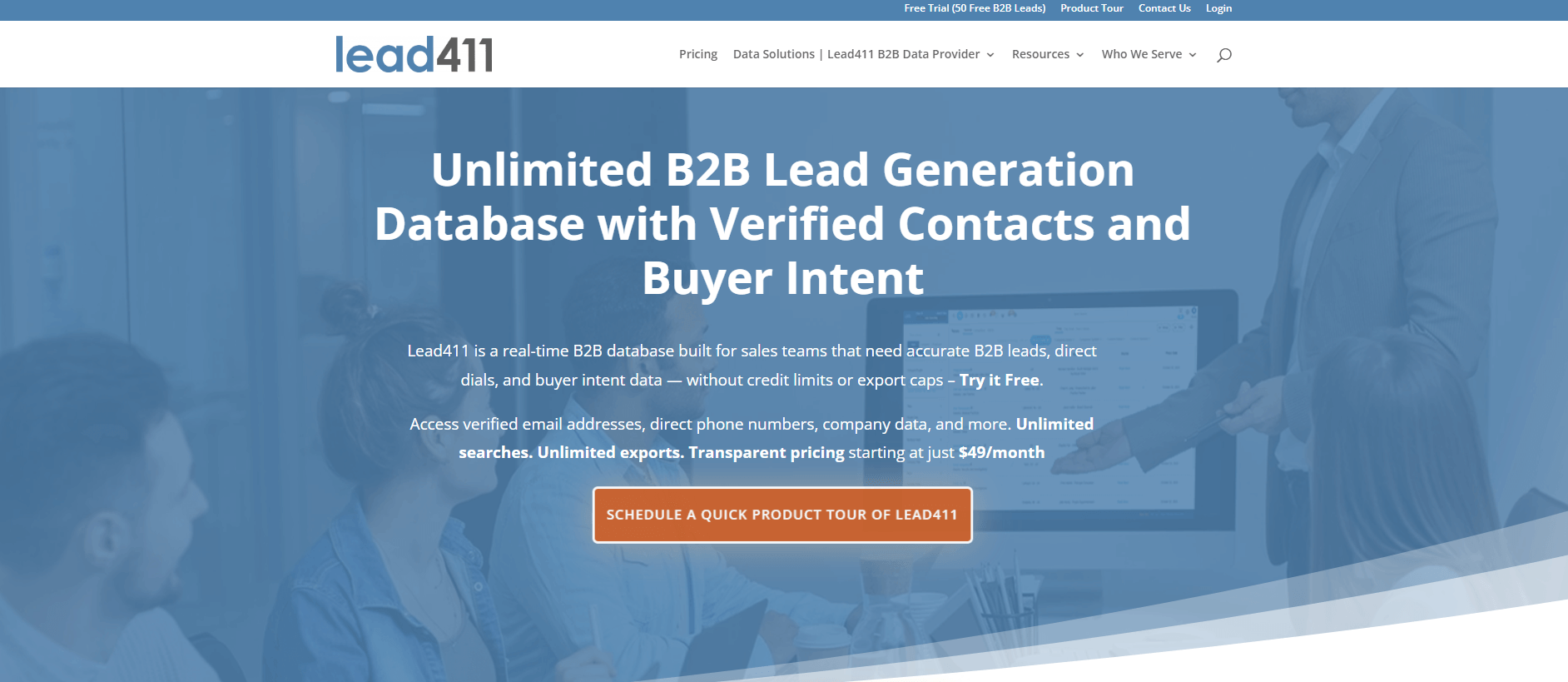
Lead411 is a B2B sales intelligence and lead generation platform that offers access to company and contact data enriched with real-time buying signals.
Pricing:
- Free trial
- Spark: $49/mo.
- Ignite: $150/mo.
Ratings: 4.5/5 on G2, 4.7/5 on Capterra
Pros: Trigger-based warm-lead feeds; accurate direct dials; internal email/SMS sender; long-standing data pedigree; good support
Cons: Interface feels dated; alerts can overwhelm unless tuned; mostly U.S. data; outreach features basic vs. dedicated sequencers; limited technographic depth
Best For: Small-to-mid sales teams that want a single tool for data and simple outreach
10. Breeze Intelligence (formerly Clearbit)
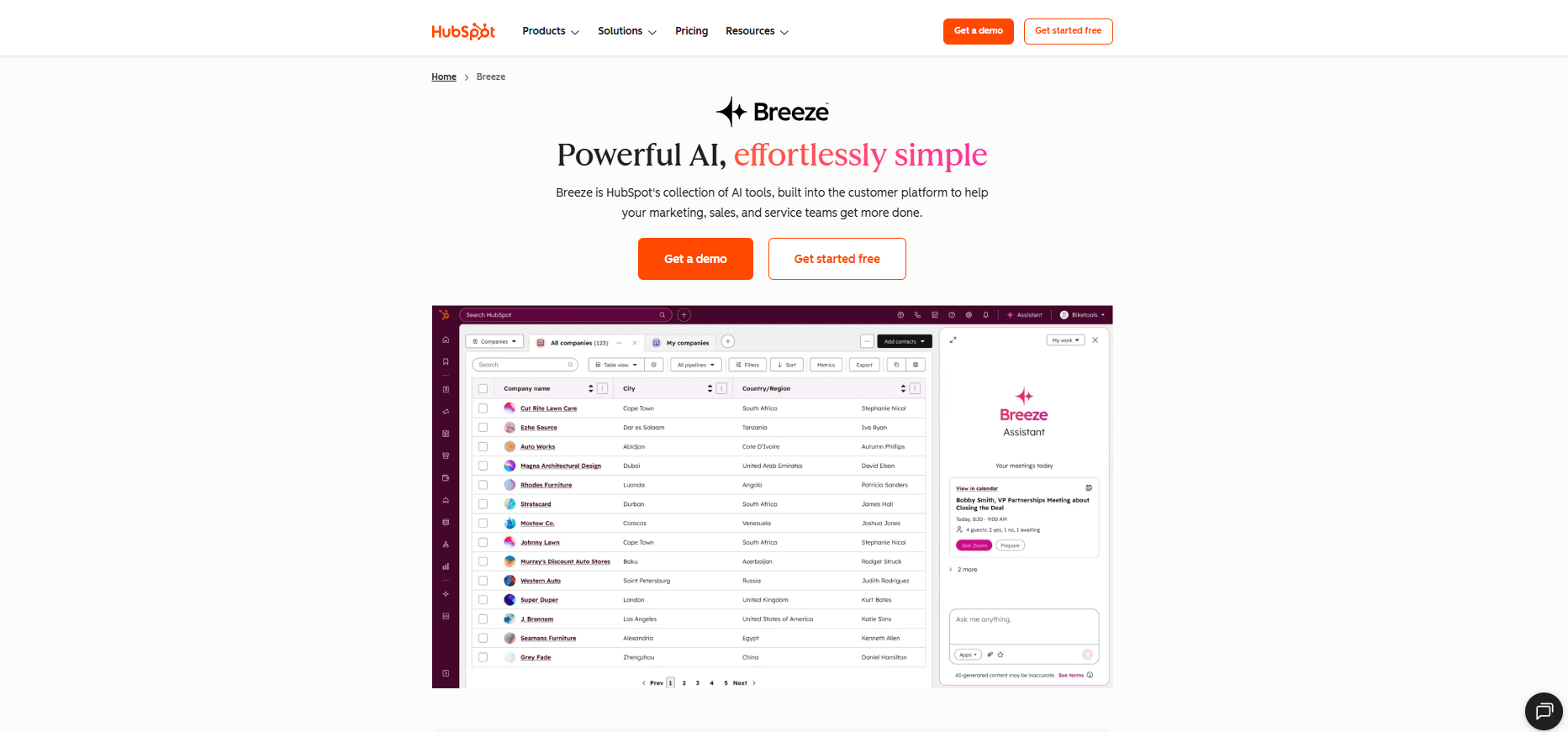
Breeze Intelligence is a component of HubSpot’s AI suite that integrates directly with HubSpot CRM and other Hubs to support data enrichment, buyer intent tracking, and form optimization.
Pricing: Custom pricing
Ratings: Too new to score; Clearbit averaged 4.2/5 on G2 and 4.5/5 on Capterra
Pros: Seamless HubSpot integration, always-fresh enrichment, built-in visitor intent, credits don’t expire, GDPR-aware
Cons: HubSpot-only, premium price relative to “just” enrichment, contact-level data thinner than full sales databases, still maturing
Best For: HubSpot users that need CRM data enrichment, buyer intent insights, and form shortening within their existing HubSpot workflow
11. Seamless.AI
Seamless.AI is a B2B sales intelligence platform that combines real-time contact data, AI-assisted search, and outreach tools to support prospecting and CRM enrichment.
Ratings: 4.5/5 on G2, 4.1/5 on Capterra
Pros: Massive lead volume, real-time email verification, Salesforce integration, bulk capture via extension, continual feature roll-outs
Cons: Accuracy hit-or-miss, UI can feel clunky, free tier tiny, frequent upgrade prompts, minimal firmographic depth—prioritizes volume over depth
Best For: Large outbound teams or call centers
12. RocketReach
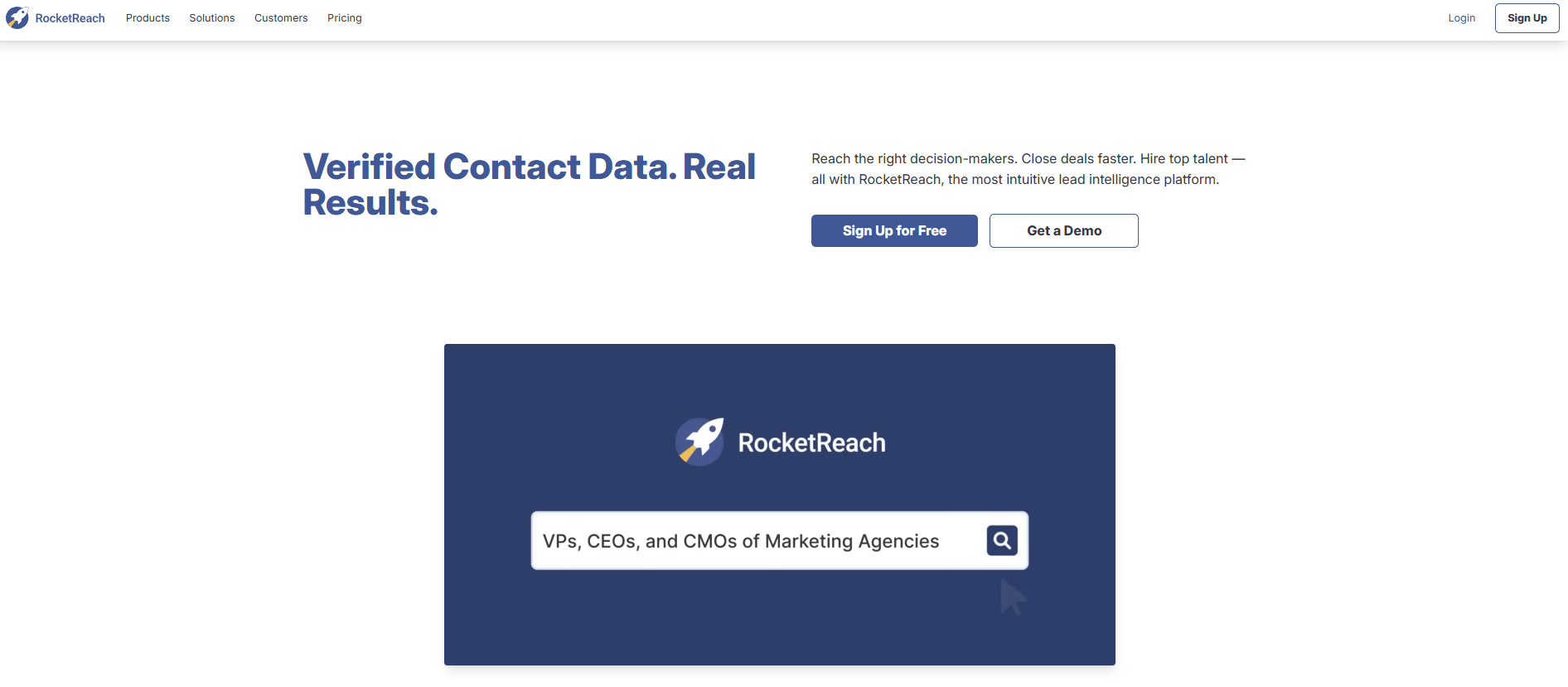
RocketReach is a B2B contact discovery platform that provides access to verified professional emails, direct dial phone numbers, and social media profiles for sales, marketing, and recruiting teams.
Pricing:
- Essentials: $69/mo.
- Pro: $119/mo.
- Ultimate: $209/mo.
Ratings: 4.5/5 on G2 and Capterra
Pros: Finds personal emails when work addresses bounce; good startup/developer coverage; versatile extension; generous free trial
Cons: Pure lookup tool (no list building, intent, or sequencing); phone data hit-or-miss; heavy users can rack up credit costs; compliance is user’s responsibility
Best For: Sales reps who already know their targets and need reliable emails fast without a full sales-intel platform
13. Dealfront (Leadfeeder)

Dealfront, now called Leadfeeder, helps B2B sales and marketing teams identify companies visiting their website, understand buying intent, and prioritize outreach based on visitor behavior. The platform also supports prospect list building, account prioritization, campaign optimization, and CRM workflows.
Pricing:
- Free trial
- Website Visitor Identification: $141/mo.
- Platform: $519/mo.
Ratings: 4.3/5 on G2, 4.2/5 on Capterra
Pros: Identifies website visitors; reveals buying intent from site behavior; offers firmographic and behavioral filters; integrates with CRM and marketing tools; supports account prioritization and campaign optimization
Cons: Visitor identification is company-level by default; person-level tracking requires additional setup through tools such as HubSpot Marketing; pricing and feature access vary by plan
Best For: B2B sales and marketing teams that want to turn website traffic into qualified account-based sales opportunities
14. SalesIntel
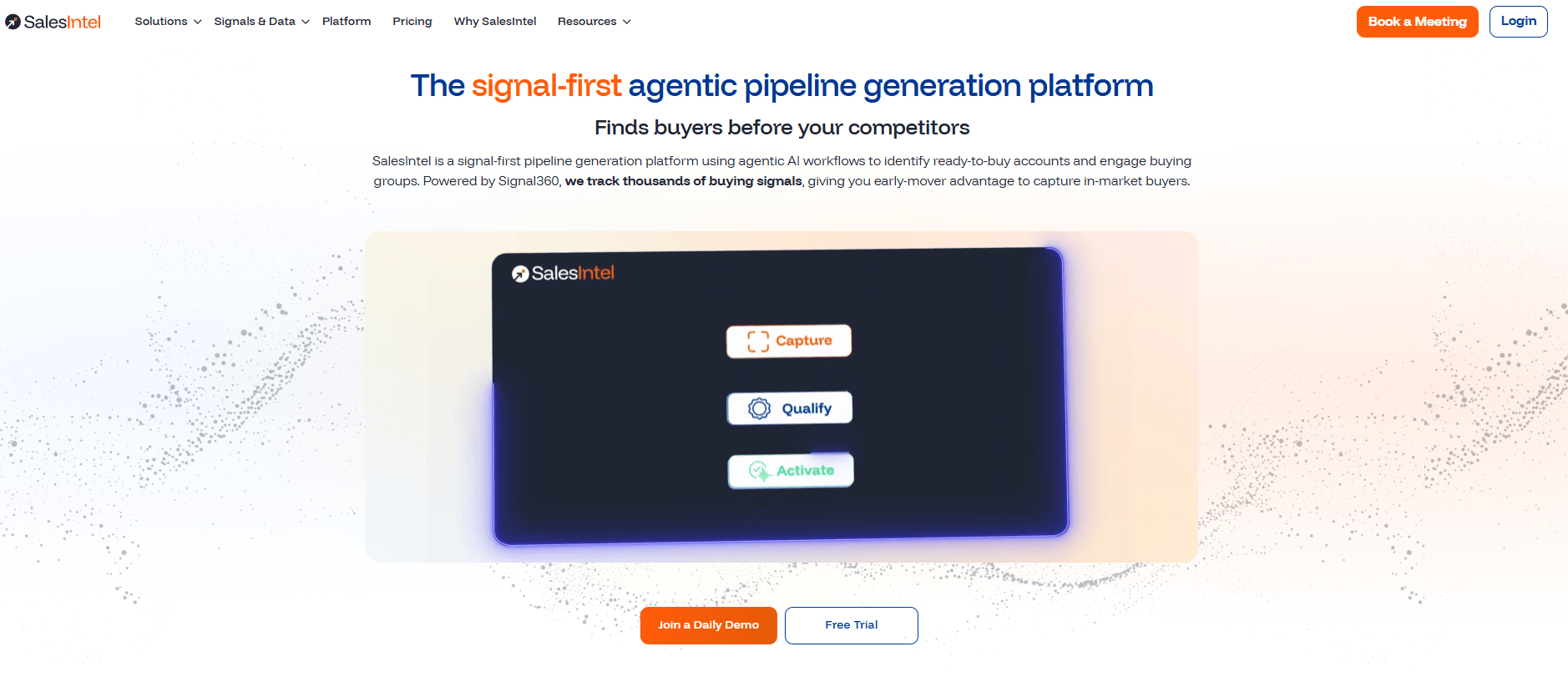
SalesIntel is a B2B sales intelligence and contact data platform that combines human verification, AI insights, and intent signals to support lead generation and pipeline development.
Pricing: Custom pricing
Ratings: 4.3/5 on G2 and Capterra
Pros: High-quality direct dials; intent signals bundled; concierge research fills gaps; strong outreach-tool integrations; responsive support
Cons: Smaller database than mega-vendors; UI less slick; global coverage lighter outside North America; newest contacts may await next verification cycle
Best For: Sales and marketing teams that prioritize phone accuracy and want a cost-effective platform with built-in intent
15. 6sense
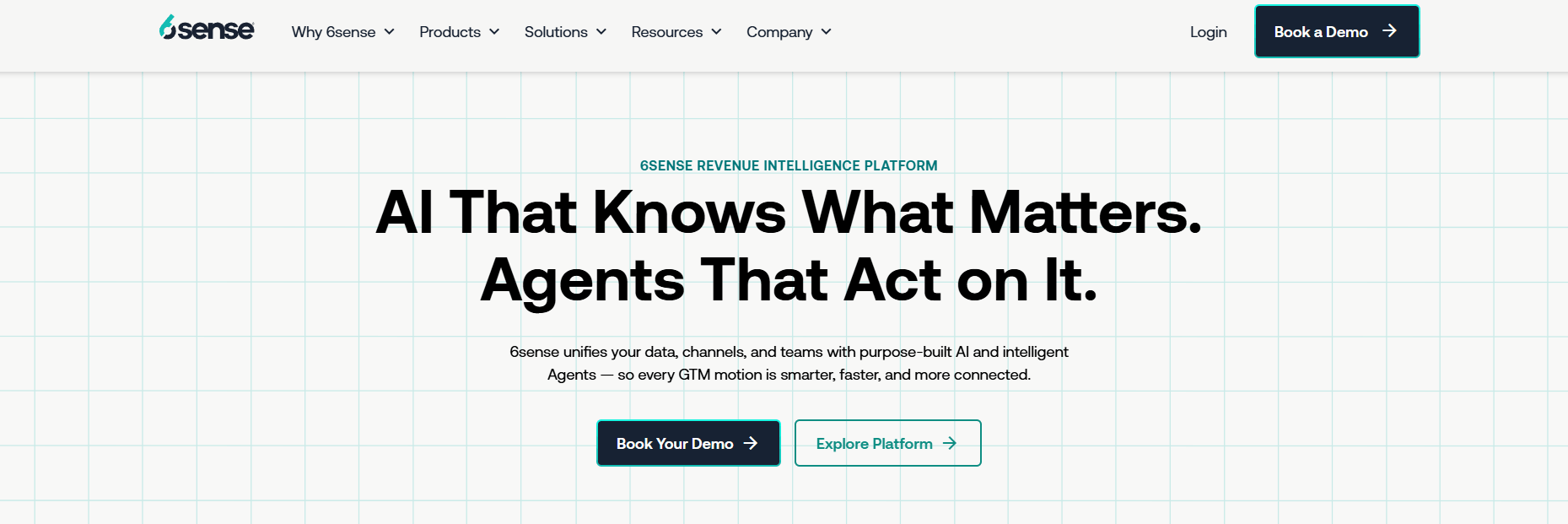
6sense is an AI-powered revenue intelligence platform aimed at helping B2B sales, marketing, and revenue teams uncover buying intent, prioritize accounts, and streamline engagement.
Pricing: Free plan; custom pricing for paid plans
Ratings: 4/5 on G2, 4.6/5 on Capterra
Pros: Uncovers in-market accounts before form-fills; robust AI scoring; rich org charts/personas; deep CRM/marketing-automation integrations; automates multi-channel plays
Cons: High cost and complexity; setup demands strong ops alignment; relies on sufficient website traffic; contact data often supplemented from other providers
Best For: Large B2B organizations with mature ABM programs that need predictive intent, account prioritization, and automated orchestration at scale
16. LeadIQ
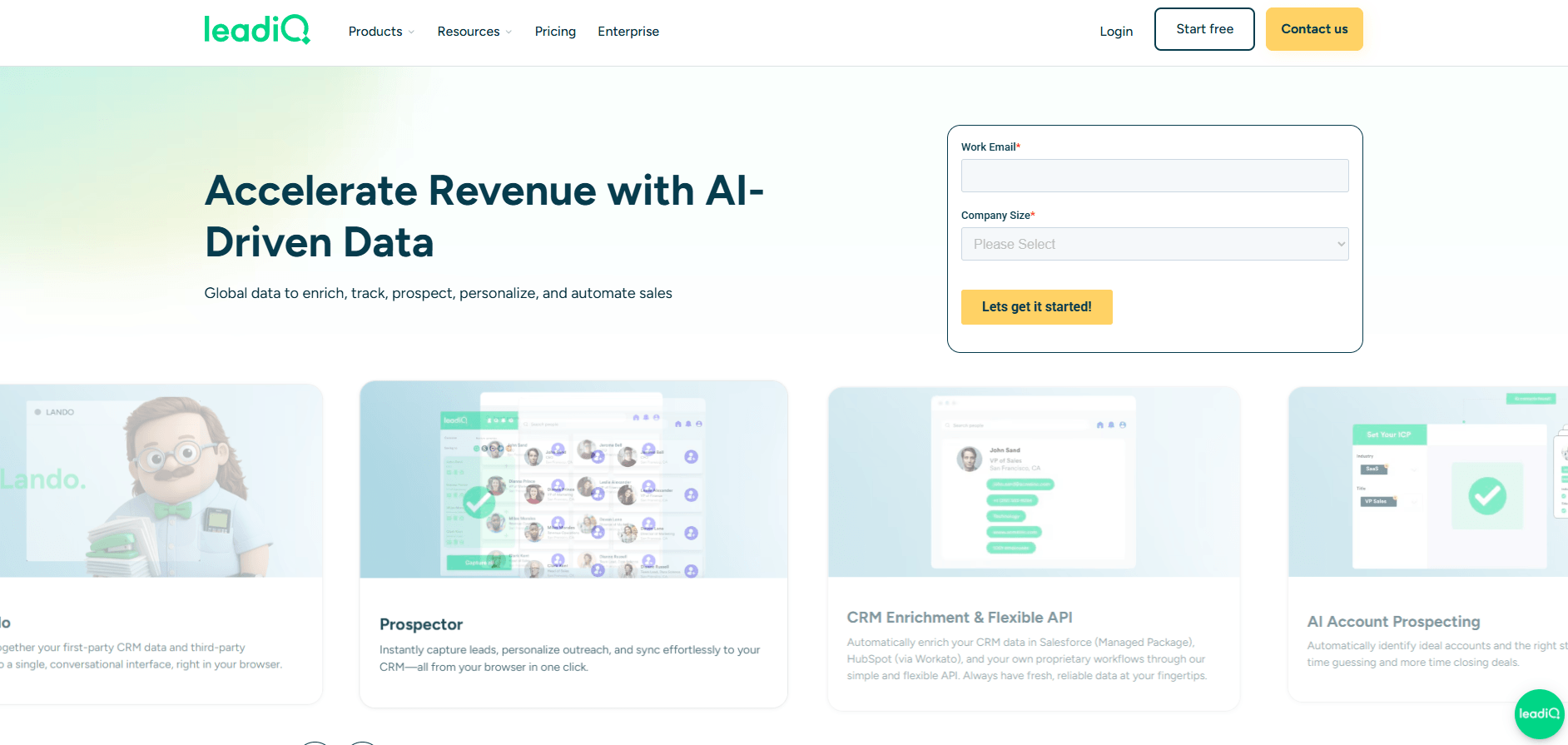
LeadIQ is a B2B prospecting platform designed to accelerate pipeline generation through contact discovery, AI-assisted outreach, buying signal tracking, and CRM data enrichment.
Pricing:
- Free plan
- Pro: $200/mo.
- Enterprise: Custom pricing
Ratings: 4.4/5 on G2, 4.4/5 on Capterra
Pros: Huge time-saver for reps; solid email accuracy; deep sequence/CRM integrations; trigger insights aid personalization; low learning curve
Cons: Relies on LinkedIn Sales Nav for discovery; standalone database and filtering are limited; credit caps for heavy prospectors; occasional extension sync hiccups
Best For: Sales teams that heavily utilize LinkedIn and want one-click lead capture straight into their outreach cadences
17. Snov.io
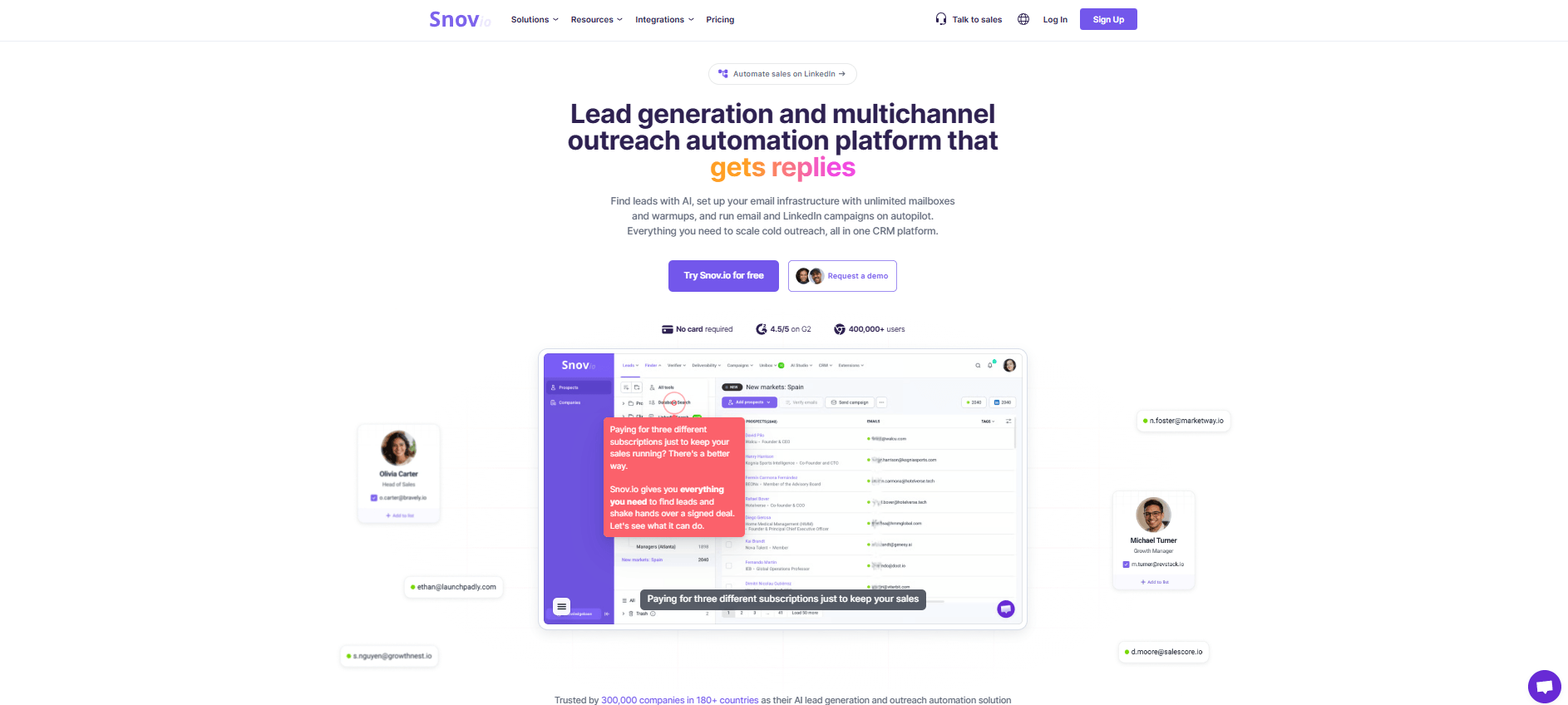
Snov.io is a B2B sales and email automation platform that offers tools for lead discovery, data verification, email outreach, and CRM management.
Pricing:
- Starter: $39/mo.
- Pro: Starts at $99/mo.
- Custom Ultra: Custom pricing
Ratings: 4.5/5 on G2 and Capterra
Pros: Combines list building, verification, sending, and warm-up in one inexpensive package; reliable deliverability; handy tech-stack filter; active template community
Cons: Smaller contact database big players; phone data sparse; multi-channel sequencing limited; UI feels busy; juggling credits across features takes practice
Best For: Startups, agencies, and solo growth hackers running cost-conscious cold-email campaigns
18. Hunter.io
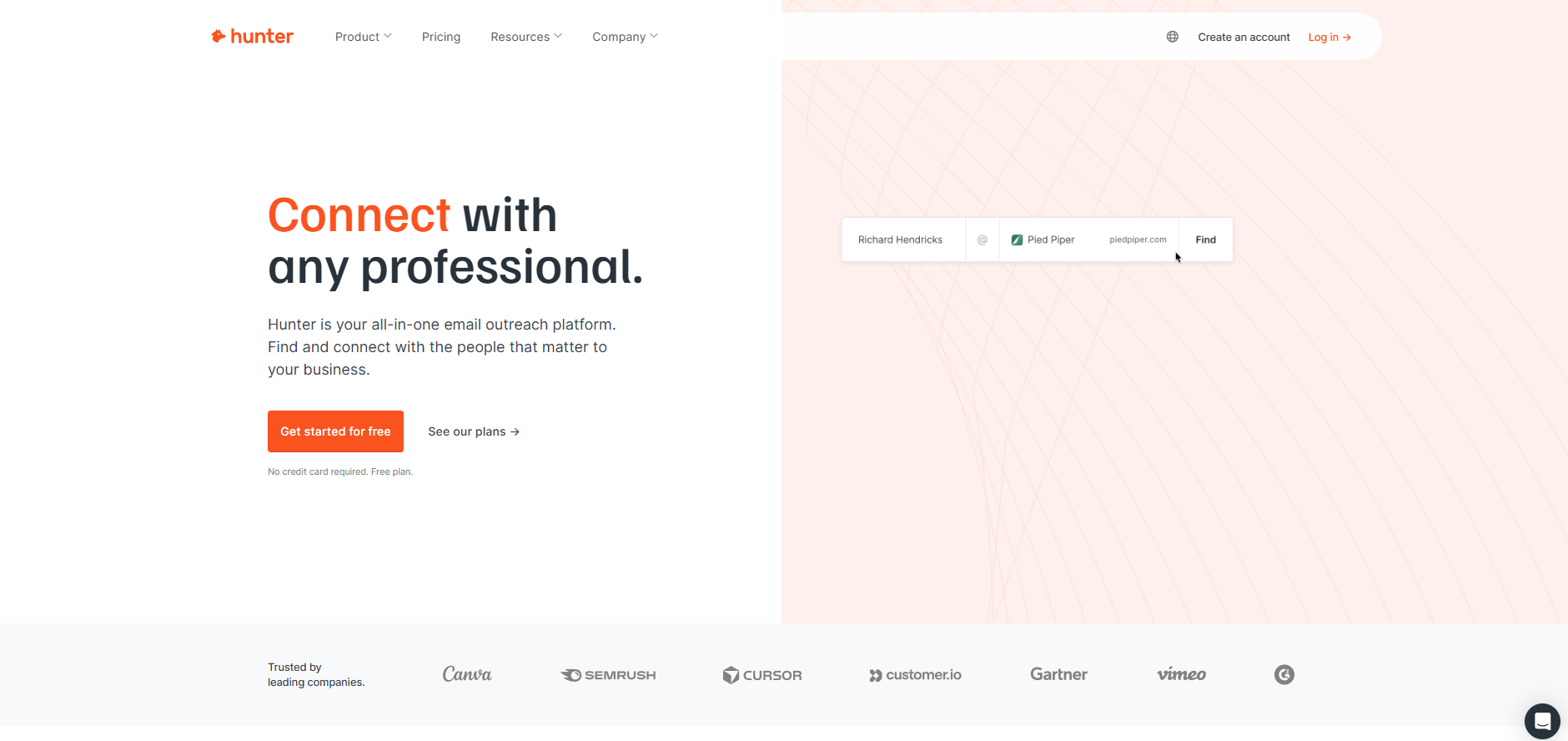
Hunter.io is a B2B email finding and verification platform that offers tools to support cold email prospecting and basic campaign management within one interface.
Pricing:
- Free plan
- Starter: $49/mo.
- Growth: $149/mo.
- Scale: $299/mo.
- Enterprise: Custom pricing
Ratings: 4.4/5 on G2, 4.6/5 on Capterra
Pros: Dead-simple interface; accurate pattern detection; transparent source links; generous credits for domain searches; strong API; privacy-minded (work emails only)
Cons: Email-only (no phones, firmographics); depends on publicly available data, so some targets return nothing; no list-building filters—must supply names or domains yourself
Best For: Teams who already know who they want to contact and simply need trustworthy professional email addresses at minimal cost
19. Adapt.io
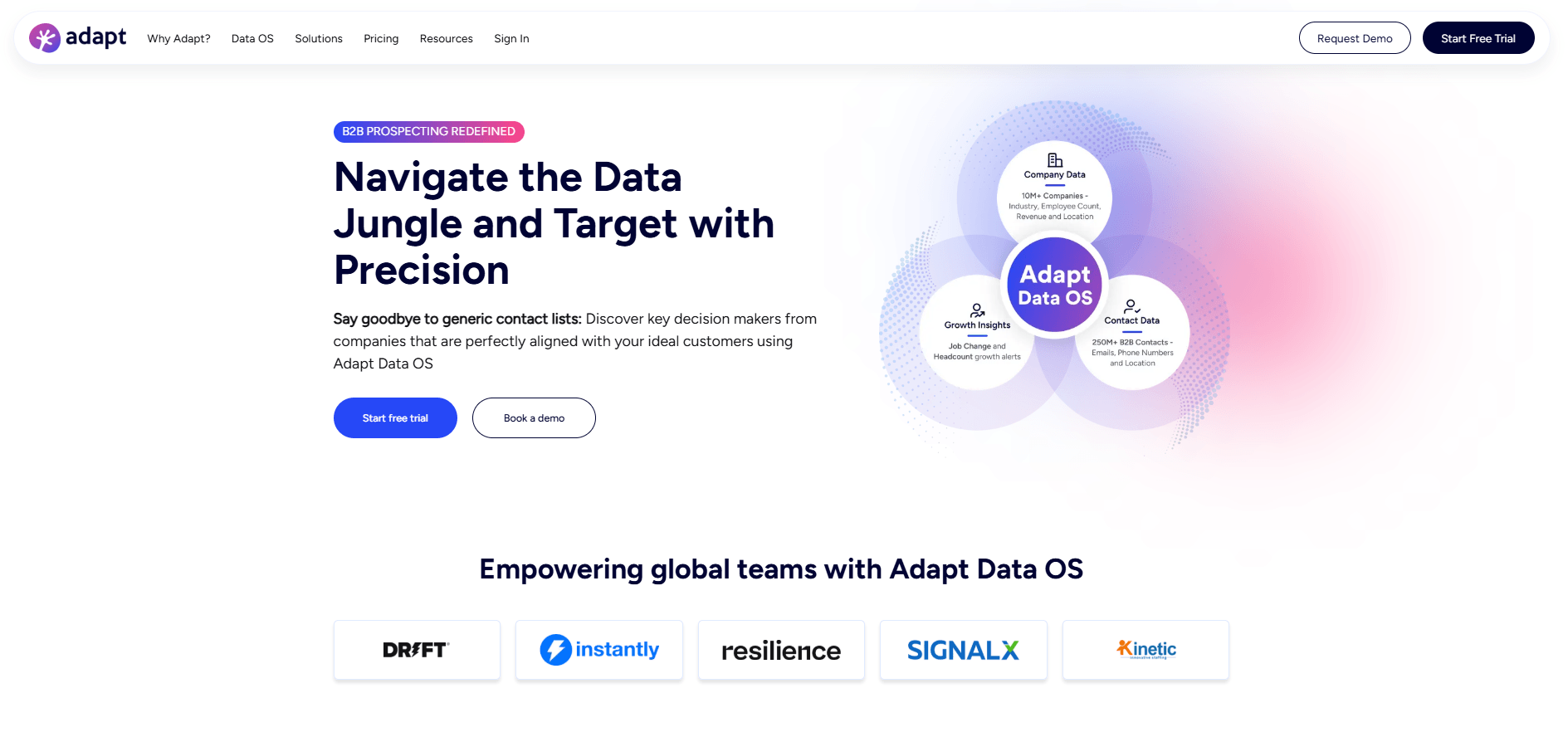
Adapt.io is a B2B lead intelligence platform that enables sales and marketing teams to identify, verify, and engage with business decision-makers using verified contact data and integrated workflows.
Pricing:
- Free trial
- Starter: $49/mo.
- Basic: $99/mo.
- Custom: Custom pricing
Ratings: 4.6/5 on G2, 4.3/5 on Capterra
Pros: Generous free credits, quick LinkedIn capture, straightforward UI, CSV/API options, solid for mainstream U.S. roles
Cons: Basic dataset (no intent or deep firmographics), mixed GDPR clarity, occasional stale records, fewer phones, and slower refresh than premium vendors
Best For: Budget-minded solo reps or startups needing a lightweight, no-cost way to grab standard B2B emails—ideal entry-level prospecting aid before upgrading
20. BookYourData
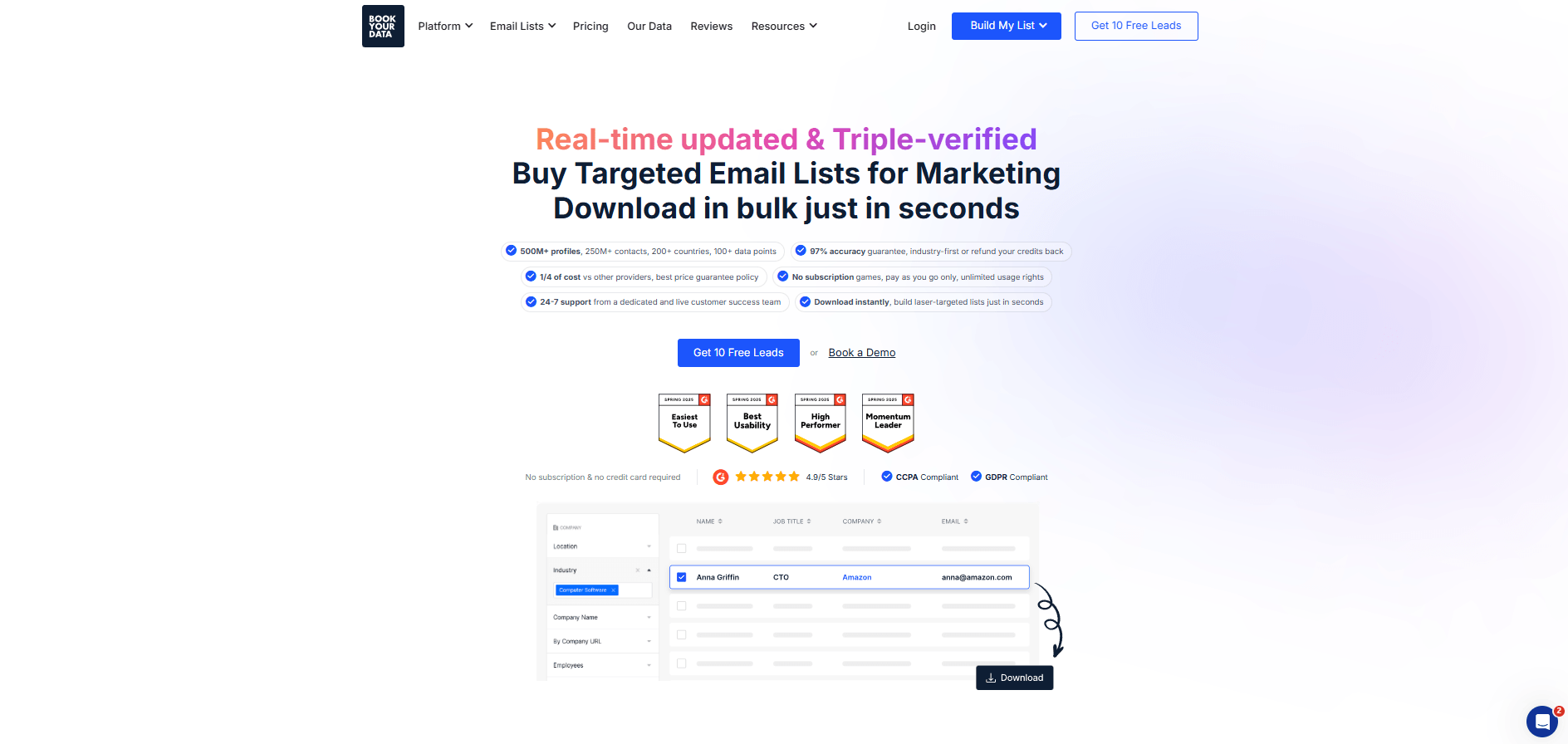
BookYourData is a B2B contact data platform offering real-time verified email and phone information to support targeted outreach efforts.
Pricing:
- Free ten-credit pack
- Pay-as-you-go pack: Starts at $99 for 250 credits ($.40 per credit)
Ratings: 4.9/5 on G2, 5/5 on Capterra
Pros: Immediate access, zero contracts, cost-efficient for small or occasional needs, wide global coverage, simple interface
Cons: Data quality varies; limited depth (no intent, enrichment, or workflow tools); manual CRM import; not ideal for continuous refresh or niche filters
Best For: Marketers or sales teams needing a one-off list for a campaign, event, or market test
What are the Benefits of Getting B2B Data from a Database Provider?
Investing in a reputable B2B contact database provider can significantly boost your sales and marketing results. Here are some key benefits of purchasing data from a genuine provider:
- Timesaving and Efficiency: Building your own list from scratch is time-consuming, especially if your team is manually searching LinkedIn, Googling contacts, and updating spreadsheets. A data provider gives you ready-to-use information, helping sales reps spend more time selling and less time searching for phone numbers and emails.
- High-Quality, Verified Contacts: Top providers use advanced technology, such as AI and machine learning, along with human verification to help keep data accurate and up to date. This reduces bounce rates and wrong numbers, so your outreach is more likely to reach real prospects. Clean data also helps improve campaign performance and protect email sender reputation.
- Comprehensive Information & Insights: When you purchase B2B data, you often get more than names and emails. Quality providers enrich contacts with firmographics, technographics, and intent signals, helping your team target and segment outreach more effectively. These insights make it easier to personalize pitches and prioritize prospects that are more likely to convert.
- Scalability for Growth: As your business grows, your need for leads grows with it. A database subscription allows you to scale prospecting quickly without adding manual research headcount. This can help accelerate pipeline generation and support expansion into new industries, regions, or markets.
- Competitive Advantage: In a data-driven sales environment, current prospect data helps your team stay ahead of competitors. Intent data, for example, can alert you when prospects are researching solutions like yours or evaluating competitors. With timely, accurate data, your team can respond faster and tailor outreach to market changes.
- Peace of Mind: Reputable data providers take compliance seriously by adhering to regulations such as GDPR and CCPA, offering opt-out mechanisms, and using ethical data collection practices. Buying from a trusted provider is generally safer than scraping data yourself. It can also help reduce legal risk when your team uses the data responsibly.
Common Red Flags to Watch Out for When Buying B2B Data from a Database Provider
While there are many trustworthy data vendors, there are also questionable ones. Knowing the warning signs can save you from wasting money on poor data or potentially facing compliance issues. Here are some red flags to watch out for when purchasing B2B contact data:
- Unrealistically Low Pricing or Huge Volume for Cheap: In the data world, you generally get what you pay for. If a provider promises “millions of leads for $99”, be skeptical. Quality data requires resources to gather and verify; it’s not very inexpensive. Extremely low prices can indicate the data is scraped from questionable sources, outdated, or perhaps non-compliant. A good provider will be transparent about why their pricing is set as it is. Conversely, an untrustworthy provider just pushes bulk numbers.
- No Free Sample or Trial Available: A reliable vendor will usually let you test a sample of their data or do a trial. If a data seller refuses to allow any preview and insists you buy blind, that’s a red flag. Providers confident in the quality of their data will encourage trials because they know you’ll see the value. Those who don’t may be hiding the fact that their data is poor.
- Lack of Data Source Transparency: Reputable providers can explain how they compile and update their data; for example, it might be from public sources, partnerships, crowdsourcing, or research. If a seller dodges questions about origin of their data or cannot assure compliance measures, it’s probably wise to avoid them. You need to know that contacts on their list voluntarily opted-in or are publicly available and legally obtained. Vague sourcing claims or no mention of GDPR/CCPA at all are signals of trouble. Legit providers often have a compliance page or can produce certification of how they abide by laws.
- Outdated Website or No Physical Presence: Check the company’s website and details. If the site looks very old, has broken English, or lacks a physical address or contact info, be extremely cautious. Similarly, if there are no real customer testimonials or the only reviews seem overly generic, it might well be a front. A professional, up-to-date web presence and verifiable client reviews are signs of a legitimate business. Questionable vendors may use basic websites and rely on anonymous online ads to lure buyers.
- No Refund or Guarantee Policy: Quality providers usually offer some guarantee. For example, they’ll replace or refund bad contacts above a certain threshold. They stand behind their accuracy. If a vendor has a strict “no refunds, no matter what” rule, it could mean they expect complaints and want to avoid accountability. Always read the terms: if they make it very hard to dispute or require you to jump through a bunch of hoops to even contact support, that’s a bad sign.
- Pressure Sales Tactics or Sketchy Contract Terms: Be wary if the sales rep is overly pushy, won’t provide things in writing, or urges you to sign quickly. High-pressure sales tactics are often used to get quick money before you realize the data is subpar. Also, read the contract fine print. Some unethical providers bury clauses that include auto-renewal for your contract or forbid you from keeping the data you’ve already obtained if you leave. Reputable companies have fair cancellation terms and don’t need to trap their clients.
- Extremely High Bounce or Spam Complaint Rates Initially: If you do buy a small sample and find that emails are bouncing much more than industry norms or phone numbers are largely wrong, consider that a major warning. It likely means their entire dataset is questionable. Don’t proceed with a larger purchase in hopes that the data quality will improve. Your own test results can be the canary in the coal mine.
How to Maximize ROI from Purchased B2B Data
Buying a contact list or subscription is just the first step. How you use and maintain that data will determine your return on investment (ROI). Here are the best strategies to get the most value out of your purchased B2B data:
- Import and Integrate into Your Systems: Don’t let purchased data sit in a CSV on someone’s desktop. Immediately import it into your CRM or sales automation tool. By integrating it, you can leverage the data across marketing campaigns, sales cadences, and analytics. Use tags or custom fields to denote the source of the data for tracking sales performance. Integration also helps ensure multiple team members have access and can act on the new leads.
- Clean and Deduplicate: Before blasting out emails, run a quick hygiene check. Most good providers remove duplicates, but if you’re combining new contacts with existing CRM data, make sure you’re not duplicating the same contact. Remove obviously incorrect entries. A clean list avoids embarrassing mishaps and focuses your reps on real opportunities. Also, verify any fields that look odd – for example, if the data includes “Account size: 1-10 employees” but the company name is a Fortune 500 you recognize, that may need correction.
- Enrich and Update Regularly: Data decays fast. Roles change and email addresses get abandoned. Use enrichment tools to refresh your data periodically, say every 60–90 days. Many providers offer ongoing enrichment. This adds any new information, such as a direct dial or a LinkedIn URL and updates fields like job titles. Even simply re-verifying the email list can help keep bounce rates low over time. Setting up an automated enrichment schedule maximizes the longevity of your purchased data.
- Segment and Personalize Outreach: To really drive ROI, avoid one-size-fits-all messaging. Use the data attributes to segment your leads into meaningful groups. For example, you can sort by industry, company size, persona, etc. Then craft personalized content or offers for each segment. People respond better to relevant outreach. For example, if your data tells you Lead A uses AWS cloud, mention cloud optimization in your email. If Lead B is a small business, don’t send enterprise pricing. Tailoring your approach using the data will yield higher conversion rates than generic outreach.
- Pair with Email Warm-up and Deliverability Tools: If you’re launching campaigns to a lot of new contacts, protect your sender reputation. Use email warm-up tools to slowly ramp up sending volume and get your domain acclimated. Also, monitor deliverability. Check open rates, spam reports, etc. If you see issues such as a lot of bounces, low opens, you should pause your campaign and adjust. Maybe your content or sending domain needs certain tweaks. Making sure your emails land in inboxes is crucial for ROI; purchased data is only valuable if your messages are seen by those contacts. Good data providers plus good deliverability practices equal optimum results.
- Connect Data with Sales Automation: Maximize efficiency by hooking your lead data into sales dialers or sequences. For instance, connect your CRM with the new data to a power dialer so reps can rapidly call down the list, maybe 50 calls a day instead of 25 manual calls. Or automatically feed leads into a sequence of emails and LinkedIn touches. Automation ensures prompt and consistent follow-up, increasing the chances of contact. Time is of the essence when working leads; automation prevents leads from going cold due to slow manual actions.
- Track Outcomes and Refine: Treat it like an investment that you measure. Track how many leads from the purchased data convert to opportunities or customers. Calculate the cost per lead vs. the revenue generated. This helps establish ROI and also helps refine future data purchases: maybe you notice healthcare industry leads converted 3x better than finance industry, so next time, you’ll want to allocate more of your budget to healthcare data. Also, gather feedback from the sales team: were there a lot of wrong numbers or outdated leads? Feeding that info back to the vendor might get you replacements; it also helps determine whether you should switch providers or adjust criteria next time.
- Maintain List Hygiene (Ongoing): After the initial outreach, don’t discard the data. Move non-responders or low-quality leads to a nurture list. Regularly remove hard bounces to keep email lists clean. Update the status of leads. For example, you might add a note that says, “Not Interested – call back in 6 months.” By maintaining the hygiene of your data, you’ll spend time only on relevant contacts later in the process. Good list hygiene includes honoring opt-outs promptly. This is especially important for compliance and brand reputation.
Alternatives to Buying Contact Databases
Purchasing a contact database is a quick way to get leads, but it’s not the only approach to build your B2B pipeline. Depending on your budget, resources, and needs, you might consider these alternatives to buying lists:
- Building Your Own List (DIY Prospecting) with LinkedIn + Enrichment Tools: our sales or marketing team can manually curate leads using platforms such as LinkedIn Sales Navigator. From there, they can use email finder or enrichment tools to verify contact details and add firmographic data. This approach gives you more control over lead quality and helps ensure each prospect fits your ideal customer profile. However, it can be time-intensive and difficult to scale for larger campaigns.
- Web Scraping (with Caution): Some teams use scraping tools to extract contact information from public websites, directories, or event pages. However, this approach carries legal, compliance, and terms-of-service risks, especially when collecting personal data or scraping platforms that prohibit automated collection. Use scraping only when it is ethical, lawful, and limited to permitted public data. In many cases, the risk outweighs the benefit.
- Renting Lists or Sponsored Content with Publishers: Industry publications, associations, and trade groups often maintain valuable subscriber or member audiences. While they may not share the list directly, they may allow you to sponsor an email, newsletter, webinar, or content campaign. This gives you access to a relevant audience while allowing contacts to opt in through engagement. It can be a strong way to generate qualified leads without directly purchasing or owning a third-party list.
Conclusion
In the modern B2B sales landscape, your data is only as strong as its accuracy, freshness, and relevance. Whether you buy a contact database or build one through alternative methods, the goal is the same: reach the right prospects with the right message at the right time.
A reputable B2B data provider can help your team shorten research time, improve outreach quality, and expand into new markets more efficiently. By vetting providers carefully and maintaining strong data hygiene, you can turn static contact lists into reliable pipeline drivers that support smarter, more compliant prospecting.
Register for Salesgenie today to start building prospect lists, identifying decision-makers, and connecting with the right businesses faster.
FAQs
A B2B contact database provider gathers, cleans, and sells B2B contact data such as names, titles, company info, verified work emails and direct dials. Teams use these contact databases to source ready-made prospect lists instead of hand-building their own. Well-known vendors include ZoomInfo, Salesgenie, Lusha, and Kaspr.
Reputable vendors design their B2B lead databases to meet GDPR, CCPA, and CAN-SPAM. They rely on public or permission-based data, honor opt-outs, and supply unsubscribe links. You must still use the data lawfully. For example, you should offer opt-out and respect regional consent rules.
Job roles change fast; refresh your business contact database at least quarterly, monthly for high-churn sectors like tech. Use built-in enrichment tools or a verifier before big campaigns to cut bounces and bad numbers.
An email-only list is a bulk B2B email database, mostly addresses for blasts. A full B2B contact database adds phone, firmographics, technographics, and search filters, plus APIs or CRM sync for multi-channel outreach. Depth and ongoing updates separate them.
Yes. Top providers offer one-click or API integrations for Salesforce, HubSpot, Outreach, and more, so new leads flow straight into your sequences and stay updated automatically.